Windows CMD Utilities
Description
A grab-bag of small scripts and tiny executables for the Windows cmd console:
the things I kept wishing were built in. Where a utility is an executable, its
C++ source sits beside it in the repo.
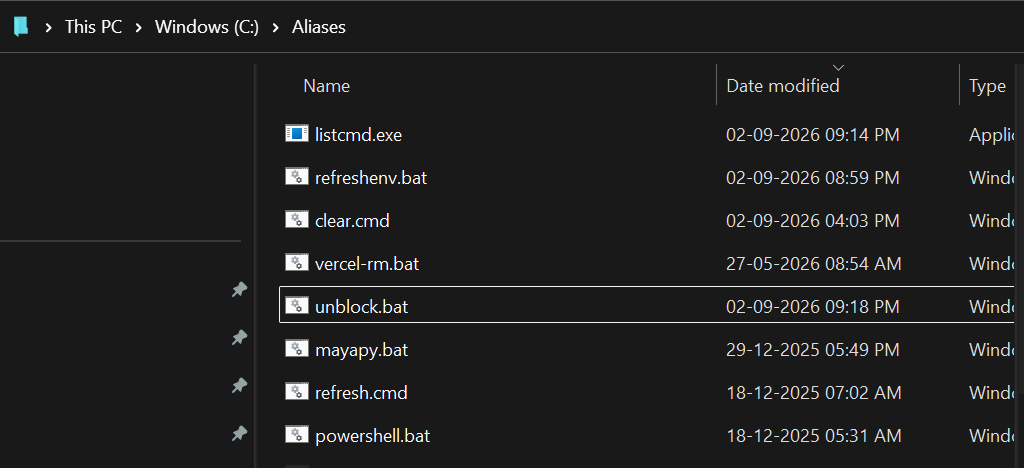
What is in it
- ccopy and cpaste: the Windows equivalent of Apple's
pbcopyandpbpaste. Pipe any output into the clipboard withtype file.txt | ccopyand paste it back withcpaste, or into a file withcpaste > out.txt. - listcmd: lists everything callable from
cmd, built-ins, doskey macros and every program on PATH, with a details mode that shows locations and flags shadowed names. Useful when you land in WinPE and wonder what you have. - refreshenv: Chocolatey's
refreshenv, fixed. The original wipes volatile paths from the current shell when it reloads the environment; this version keeps them (the upstream pull request is still waiting) and drops the WMIC dependency that no longer exists on 24H2. - runver: run the Nth program of a given name on PATH instead of the one
that wins by default. With two Pythons installed,
runver 2 pythonruns the shadowed one, andrunver list pythonshows every match in search order. - wingetstore: upgrade Microsoft Store apps through
wingeton machines that do not have the Store app at all.wingetcan install and remove Store packages but cannot see newer Store versions; this script fetches the catalogue version itself and useswingetas the backend to force the upgrade. - unblock: removes the mark-of-the-web from downloaded files, for one folder or recursively.
- vercel-rm: cleans up old Vercel deployments, keeping the latest for each branch.
The wiki describes each one with its help text.
Setup
One line in PowerShell (irm .../setup.ps1 | iex) downloads the folder,
places it under C:\Aliases and puts it on the user PATH. The manual route is
to clone the repo and add its folder to PATH yourself, ideally at the top so
these win over same-named programs. Tested on Windows 11 24H2 LTSC only.