Blender Scripts Shelf
Description
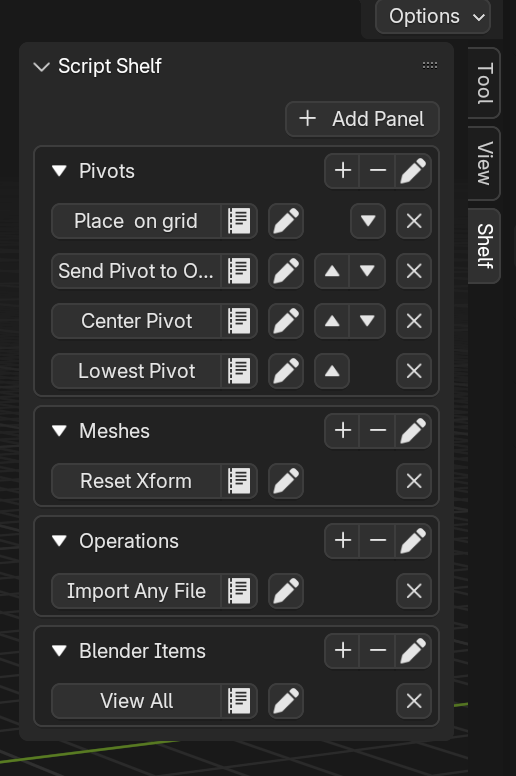
A Blender add-on that gives you a shelf for custom scripts, the thing Maya's shelf and 3ds Max's custom toolbars have had forever. Copy a script, click the plus, and you've got a button that runs it whenever you want. No folder structures to maintain, no files to shuffle around during use; everything is automated behind the scenes.
What it can do
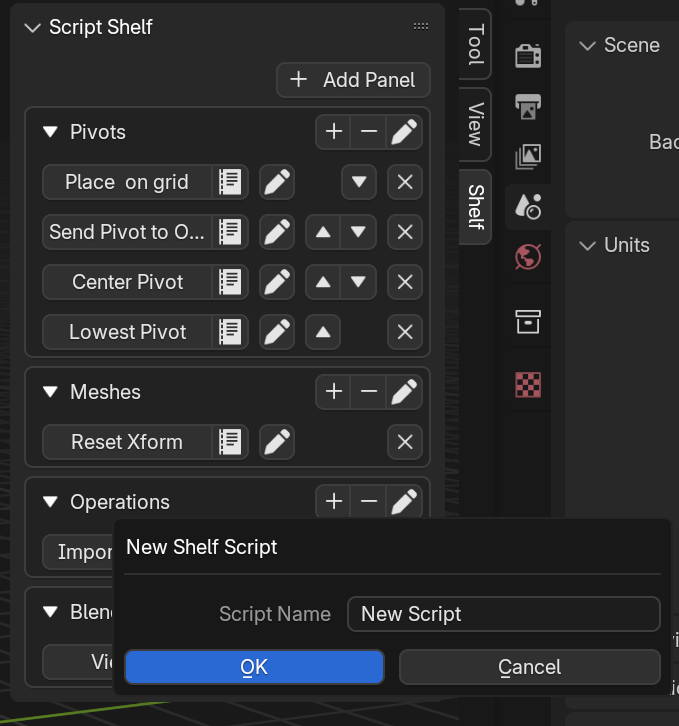
- Add scripts by copy-paste; as close to drag-and-drop as Blender allows.
- Organise freely: create, rename, and reorder panels and subpanels, and move items between them.
- Edit a saved script from inside Blender; it opens in the built-in text editor, and saving there updates the button.
- Add Blender's own menu items to the shelf via right-click > "Add to shelf" for quick access.
- Back up your shelves between installations by copying the add-on folder from
%appdata%\Blender Foundation\Blender\<version>\scripts\addons.
Setup
Two steps, first run only: execute the bundled install_dependencies.py from
the script editor with Blender running as administrator (it installs the
pyperclip module where Blender can find it), then install shelf.py as a
regular add-on. There's a video tutorial and demo on
YouTube.
The add-to-shelf-from-context-menu feature is in alpha; the rest is beta: stable in daily use, with the occasional non-critical bug. Tested on Windows 11 with Blender 4.2.